Statement checks
Strict parsing of amounts in different formats (1 234,50 and 1,234.50), day/month order inferred from context. Totals, the balance chain and the period are verified; mismatches become warnings.
Financist provides a remote MCP connector for Claude. You drop a statement into the chat, Claude parses it, shows a preview and, after your yes, imports the transactions.
Yes, you can connect Claude to your Financist books through a remote MCP connector. Add the connector in claude.ai, Claude Code or Claude Desktop, sign in with OAuth and send a bank statement. Claude parses it, shows a preview and, once you confirm, imports the transactions without duplicates. A read-only mode is available.
MCP (Model Context Protocol) is an open protocol that lets an AI application safely call the tools of an external service. The Financist connector is a remote MCP server at your Financist address (/mcp) that gives Claude a set of accounting tools within your role’s permissions.
The main use case is bank statement import. Banks export statements as PDF, CSV, screenshots or plain text. Instead of writing a parser for every format, you send the file to Claude. It extracts the rows, checks them against your accounts, categories and counterparties through Financist tools, and imports the transactions. The file is processed in your own chat with Claude; only the parsed rows reach Financist.
Beyond import, Claude can read accounts, transactions, cash flow reports and the dashboard, answering questions about your money right in its own chat. For questions inside the app there is the built-in AI assistant.
The connection is documented and supported for Claude: claude.ai (web and desktop), Claude Code and Claude Desktop. Compatibility with other clients is not claimed.
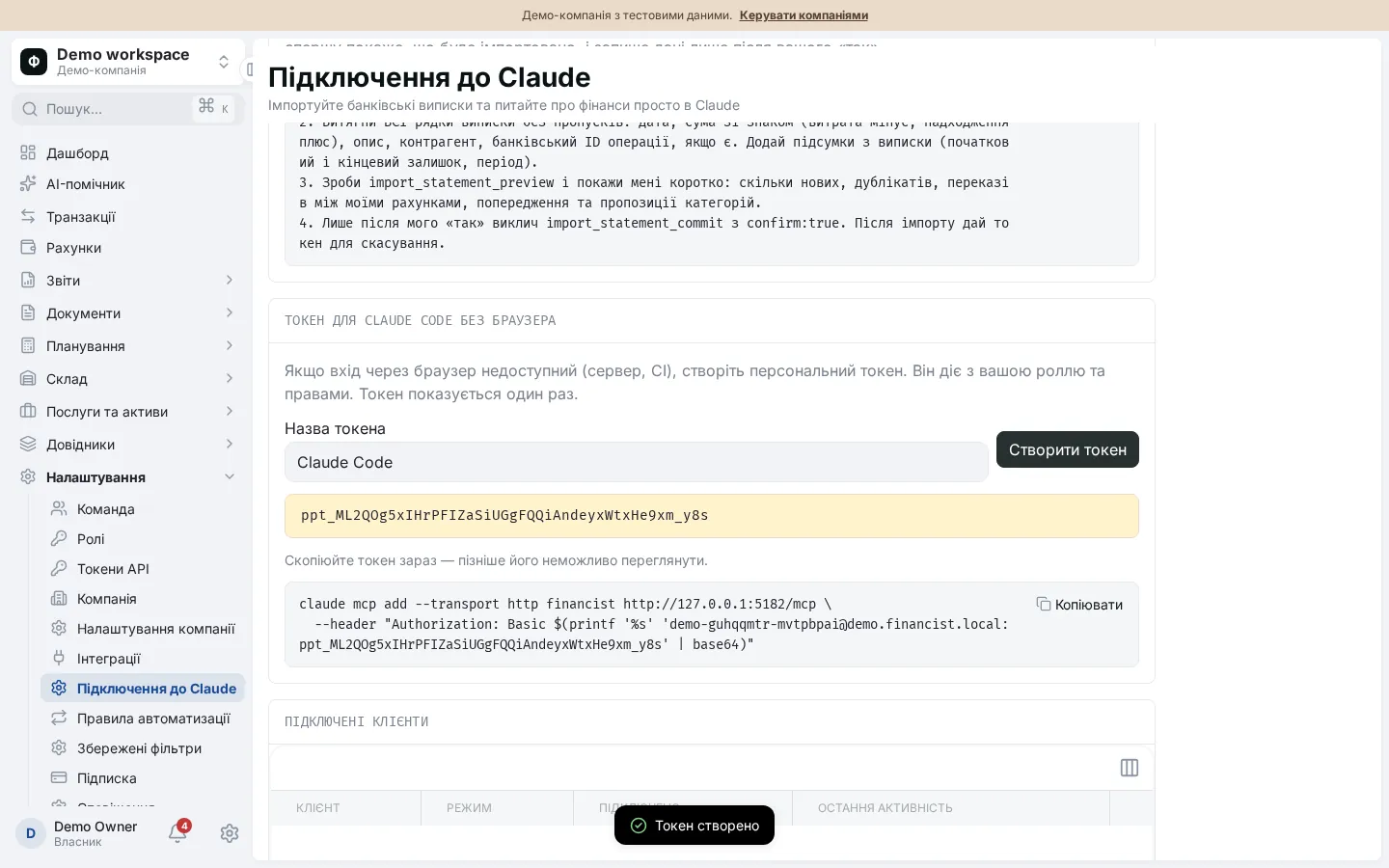
The app shows the connector address and a ready-made import prompt on the “Claude connection” page in settings.
In claude.ai: Settings, Connectors, Add custom connector; enter a name and the connector address. Leave OAuth Client ID and Secret empty. In Claude Code: run claude mcp add --transport http with the address, then /mcp and Authenticate.
A Financist page opens: sign in, choose the company, tick “Read only” if needed and approve. Your password is entered only here; Claude never sees it.
Enable the connector in the chat and attach the file or paste the text. Use the ready-made prompt from the connection page.
Claude fetches your accounts and categories, parses all rows and asks Financist for a preview with no writes. You see the number of new transactions, duplicates, transfers between your own accounts, warnings and suggested categories.
Only after your yes does Claude call the write step with confirmation. Transactions land in your books marked as imported and not yet reconciled.
After the import you receive an undo token. An import can be rolled back within 7 days, and the import history is visible on the connection page.
Strict parsing of amounts in different formats (1 234,50 and 1,234.50), day/month order inferred from context. Totals, the balance chain and the period are verified; mismatches become warnings.
Transactions with a bank ID are deduplicated per account. Rows without an ID get a stable key, so importing the same statement again duplicates nothing. “Possible duplicates” are skipped.
A pair of movements between your own accounts with high confidence is merged into one transfer with two legs. Weak pairs only produce a warning.
Categories are matched first by automation rules, then by transaction history. These are suggestions only: you can change them before anything is written.
An import can be undone by token within 7 days. Reconciled transactions are left alone unless a forced undo is requested.
Claude can read accounts, transactions, reports and dashboard figures and answer questions in your chat, within the permissions of your role.
The set depends on your role’s permissions; in read-only mode the write tools are unavailable.
| Tool | Type | What it does |
|---|---|---|
| import_get_context | Read | Shows accounts, categories, counterparties, automation rules and limits |
| import_statement_preview | Read | Parses and validates statement rows without writing, up to 2,000 rows; a preview is valid for 24 hours |
| import_statement_commit | Write | Writes the confirmed rows only with explicit confirmation |
| import_undo | Write | Undoes an import by token within 7 days |
| import_history | Read | Shows recent imports and undo tokens |
| Reports and books | Read | Accounts, transactions, cash flow, profit and loss, balance sheet, debts, payment calendar, dashboard, budgets, documents, stock |
Teams without a browser can use a personal API token, which also supports read-only mode.
The connector helps most owners and accountants who copy bank statements into spreadsheets every month: see also moving from Excel to an accounting system.
Yes. Financist provides a remote MCP connector for Claude. You add it in claude.ai, Claude Code or Claude Desktop, sign in with OAuth and pick a company. Claude then gets tools for importing statements and reading data within your role’s permissions. Read-only mode disables all writing.
You send the statement file or text to the chat. Claude extracts the rows, checks them against your accounts and categories and asks Financist for a preview without writing. You see new transactions, duplicates and warnings. After your yes the transactions are saved and you get an undo token valid for 7 days.
Access uses OAuth 2.1 with PKCE, is limited by your role and the chosen company, and can be revoked at any time. In read-only mode writing is impossible. Every tool call is recorded in the audit log. The statement file is processed in your own chat with Claude; Financist receives only the parsed rows.
The connector is built and documented for Claude: claude.ai, Claude Code and Claude Desktop. It is a standard remote MCP server, but we do not claim or guarantee compatibility with other clients. For work without external services there is the built-in AI assistant.
Undo the import: the undo token is issued after writing and the import history is visible on the connection page. Undo works for 7 days and leaves transactions you have already reconciled untouched unless forced. Re-importing the same statement does not create duplicates because transactions are deduplicated.