Plan grid
A "category × months" table: enter amounts month by month, or a total for the period that is spread evenly.
Build a plan of income and expenses and see every day how far actuals drift from it, with no manual reconciling of spreadsheets.
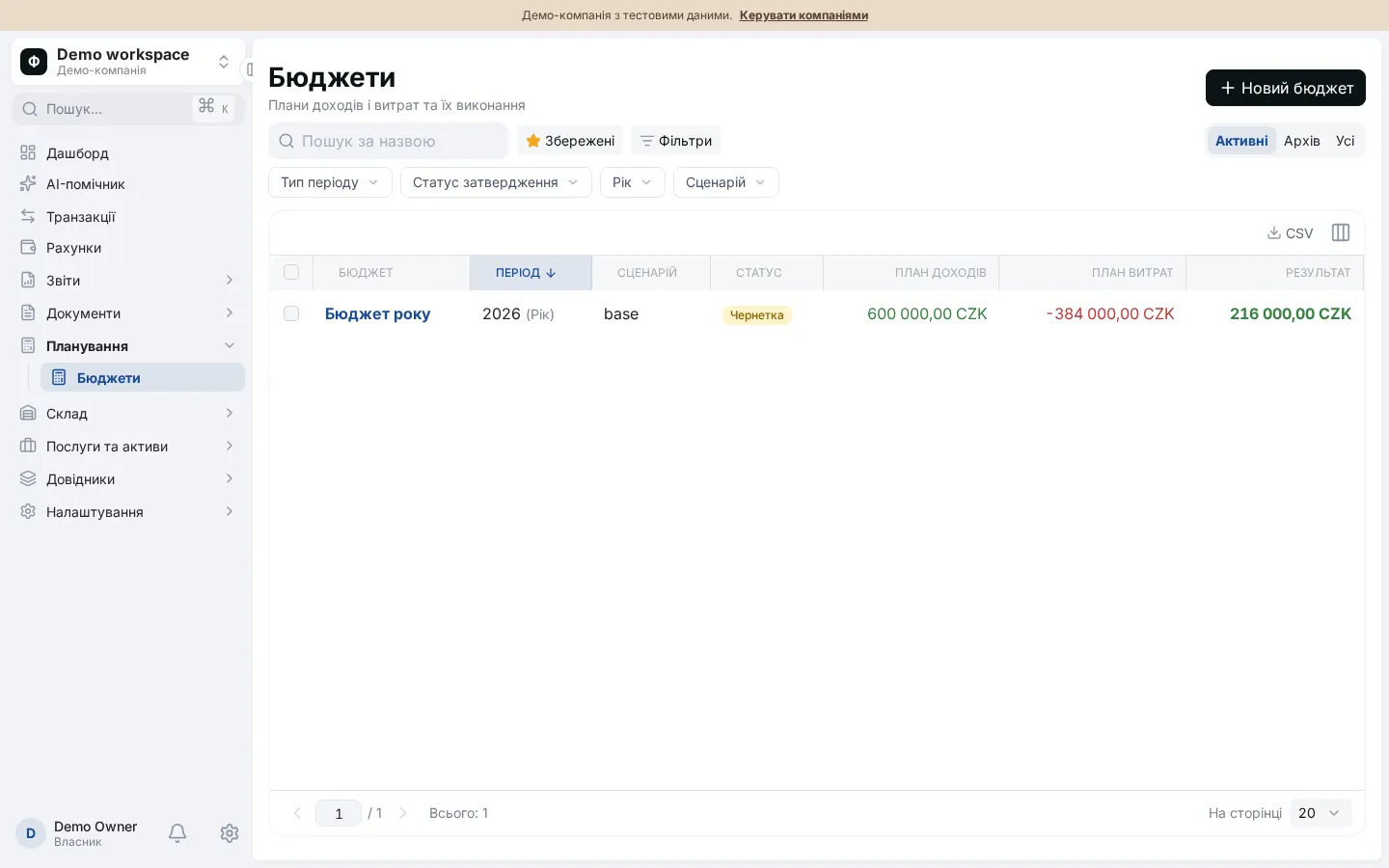
A budget in Financist is a plan of income and expenses by category for a month, quarter or year, which the system compares with actual transactions automatically. You see variances in amounts and percentages and execution by month. You can keep several scenarios, copy a budget and approve it to lock changes.
A budget is a plan of income and expenses for a period, broken down by category. Plan vs actual analysis compares that plan with what really happened, showing where the business overspends and where income falls short. For how a small business can build a budget, read the guide to small business budgeting.
The budget is kept in the workspace base currency.
A "category × months" table: enter amounts month by month, or a total for the period that is spread evenly.
Plan, actual, variance and variance percentage by month and in total, separately for income, expenses and the net result.
A switch decides which date puts an actual into a month: the payment date or the accrual month.
Several budgets for the same period can be compared side by side by category, with variances measured against the first.
Copy a budget to the next period or into a new scenario, take amounts from the plan or from actuals, and scale them by a percentage.
An approved budget is locked against changes and can be returned to draft. Execution can be downloaded as CSV.
| Metric | How it is calculated | Example |
|---|---|---|
| Variance | Actual minus plan | Expense plan 1,000 EUR, actual 1,150 EUR: +150 EUR |
| Variance, % | Variance / plan × 100 (not shown if the plan is zero) | 150 / 1,000 × 100 = 15% |
| Execution, % | Actual / plan × 100 | Income: plan 10,000 EUR, actual 9,200 EUR, execution 92% |
| Net result | Income minus expenses | Plan 10,000 − 7,000 = 3,000 EUR |
A budget is for owners and finance managers who want to control costs in advance instead of explaining overspending afterwards. It answers questions such as:
A plan line on a group of categories collects the actuals of all its subcategories. Limits: the budget is kept in the base currency, approval is a single step, and execution is exported as CSV. The actuals come from the same transactions as the cash flow statement and the P&L.
A month, a quarter or a year. The start can be any month, so a financial year that differs from the calendar year is supported. Amounts are entered by month within the period.
From the transactions in the system: it assigns actual income and expenses to plan lines by category, project, direction, account or legal entity. Planned operations that are not completed, and transfers between accounts, are not part of actuals.
Yes. Every budget has a scenario, such as base, optimistic or pessimistic. Budgets for the same period can be compared by category on one page, and a new scenario can be created by copying and scaling the amounts by a percentage.
An approved budget is locked: structure and amounts cannot be changed until it is returned to draft. The name, notes and archiving can still be changed. A user with the right to manage budgets can approve.
Yes. By default a copy is created as a draft for the next period of the same length. Amounts can be taken from the plan or from the source's actuals and multiplied by a factor, for example to add 10%.